What Wekks knows
Facts you’d tell a new teammate that aren’t in your policies. Every reply can use them.
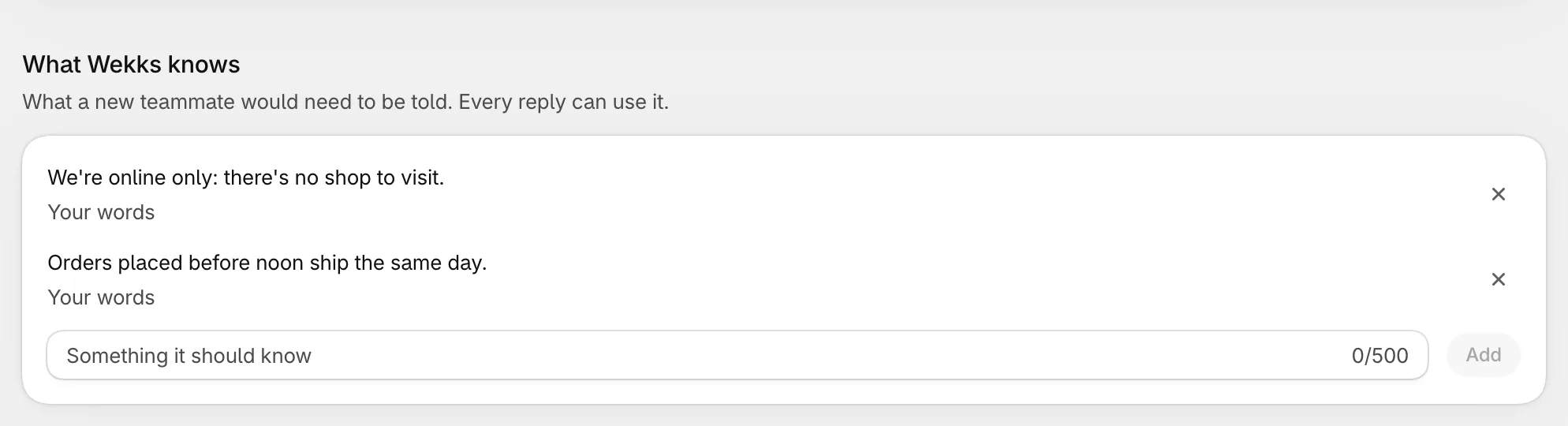
Type a fact, select Add, then save. Keep each one short and true: “We don’t ship to Alaska” works better than a paragraph.
To change how Wekks handles a situation, edit the play instead. This list is for facts, and plays are for decisions.
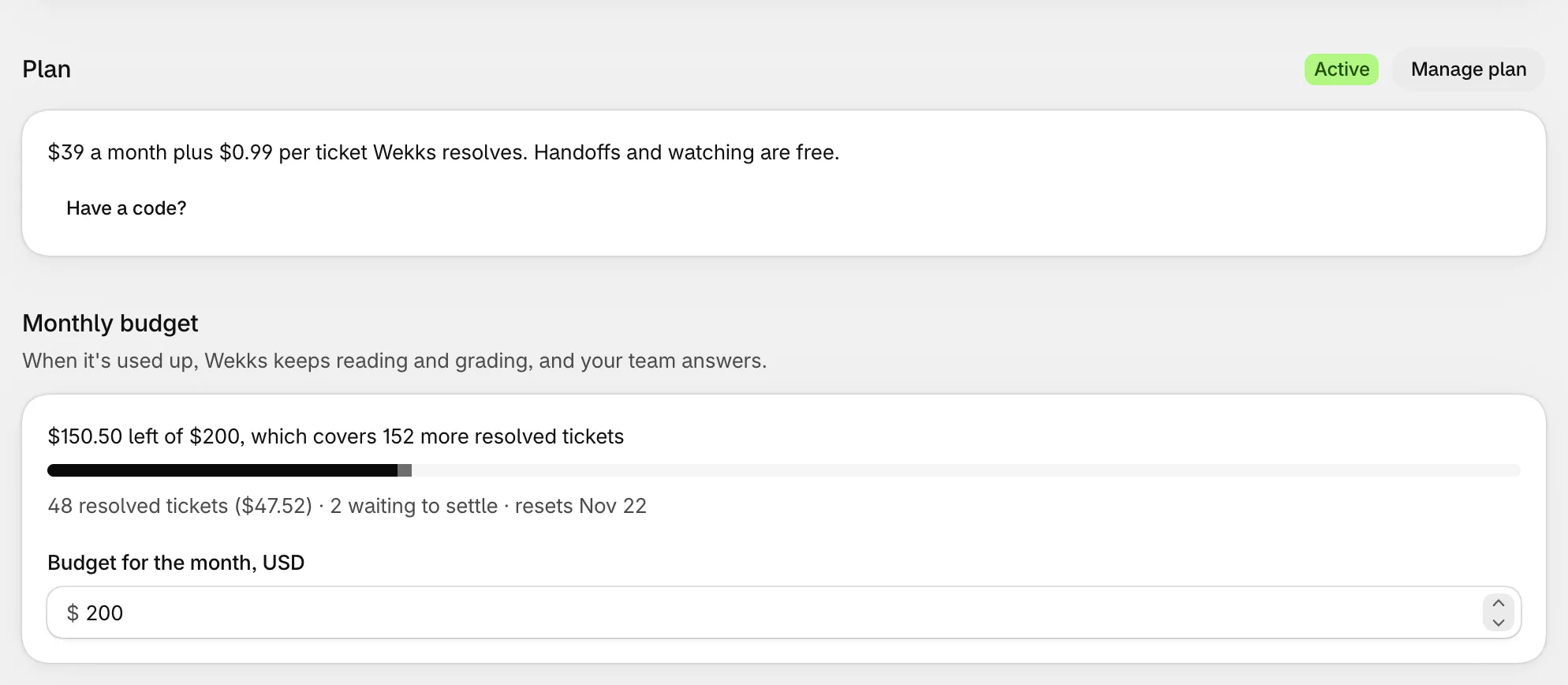
Plan and monthly budget
Your plan’s status, a link to manage it in Shopify, and what’s left of this month’s budget. As you type a new budget, Wekks shows how many resolved tickets it would cover. See Pricing.
Connected accounts
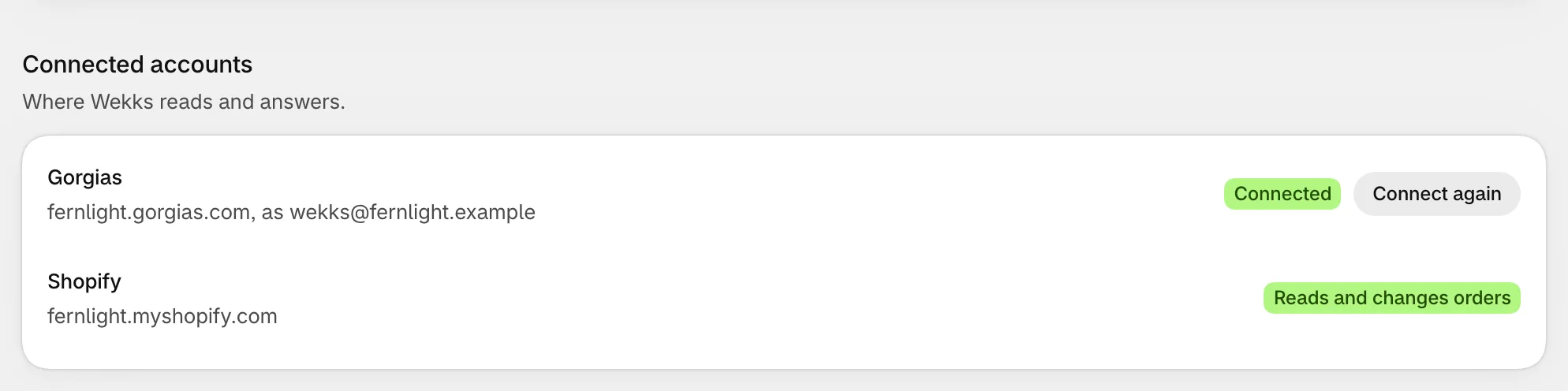
- Gorgias shows the account and the user Wekks works as. Connect again renews the connection, if you need to.
- Shopify shows Reads only or Reads and changes orders. How to allow order changes.
Pausing and saving
The top of the page shows whether Wekks is Active or Paused, with a button to switch. More on pausing.
Anything you type on this page goes through Shopify’s save bar at the top. Pause and adding a code act straight away.
Your assistant is called Wekks, and replies are signed with that name and your store’s. You can’t rename it yet. If that matters to you, tell us.
Who can do what
Wekks uses your Shopify accounts, so there’s nobody to invite and no separate passwords.
| Store owner | Other staff | |
|---|---|---|
| Who | The Shopify account owner | Staff you’ve given access to the app in Shopify |
| See tickets, plays and analytics | Yes | Yes |
| Approve, edit and reject drafts | Yes | Yes |
| Flag a wrong answer | Yes | Yes |
| Pin a good decision | Yes | No |
| Connect Gorgias, finish setup | Yes | No |
| Change plays and modes | Yes | No |
| Allow order changes | Yes | No |
| Pause and resume Wekks | Yes | No |
| Change the plan, budget and credits | Yes | No |
Each store has one owner in Wekks: the Shopify account owner. If that changes in Shopify, Wekks follows.
Giving a teammate access
In Shopify, go to Settings → Users, open the person, and give them access to the Wekks Assistant app. They’ll see it under Apps the next time they open your admin.
Teammates who only use Gorgias don’t need Wekks. They’ll see its notes and handoffs as they would a colleague’s. To approve drafts, though, a person needs access to Wekks in Shopify.